Long weekend lines? Let them wander.
A QR waitlist and table-service app for wineries, breweries and taprooms. Guests join the line from their phone, explore the grounds while they wait, and call for another round right from the table — so the crowd spreads out and no one's stuck in line.

The busy-weekend bottleneck
A line out the door — on your most beautiful day.
The weekend rush bunches everyone at the entrance, guests can't enjoy the grounds while they wait, and a packed patio makes it hard to catch a server.
✕ The old way
- ✕A long line at the door on busy days
- ✕Guests stuck waiting instead of exploring
- ✕Hard to flag a server across a packed patio
- ✕Tables sit while the check takes forever
✓ With SiteCheckin
- ✓The line lives on phones — guests wander
- ✓A live place in line, checked from anywhere
- ✓A tap calls for another round or the bill
- ✓“Ask for the check” frees tables faster
How it works
One QR code. The whole visit — both sides.
A full tasting-room visit, shown as the moment on the property plus the actual SiteCheckin screen at every step.
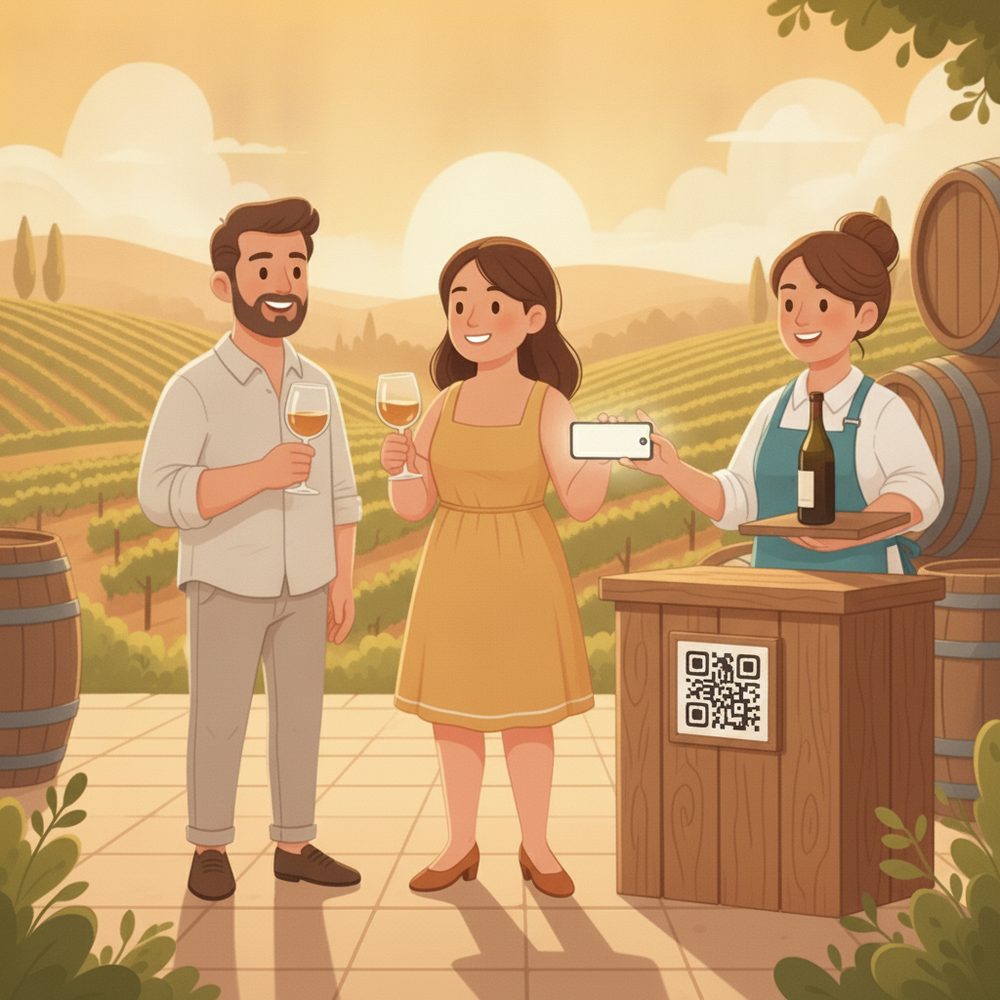
Join the line from the QR
Scan at the entrance and join the waitlist for a table or a tasting — no standing in line.
Gets a live spot and can wander instead of queuing.
The party joins the board with size and wait.
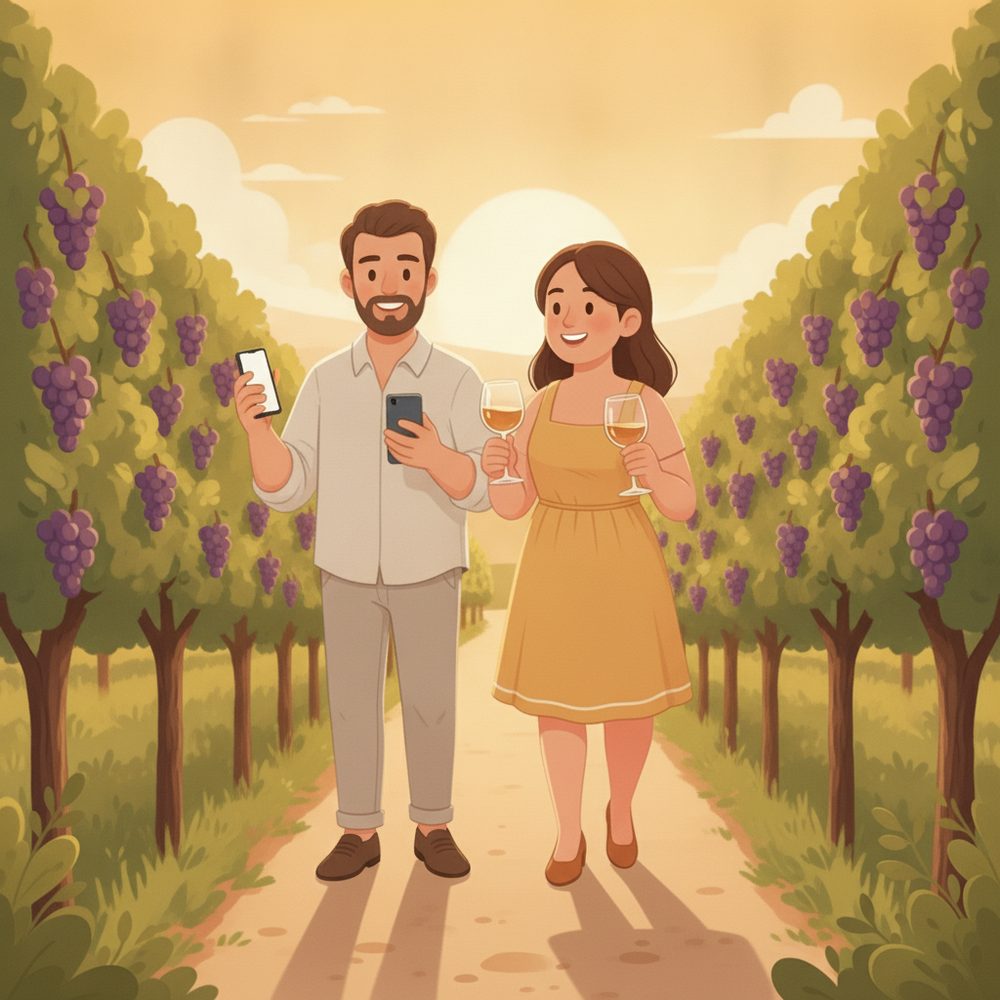
Wander the grounds while you wait
Explore the vineyard, tour the barrels — and watch your place live on your phone.
Sees “#5 · about 25 min” update live.
The crowd spreads out instead of bunching at the door.
“Your table's ready”
When a table opens, their phone updates — they stroll back from wherever they are.
Sees it turn to ready and heads to the patio.
Tap Seat; the board moves them to a table.
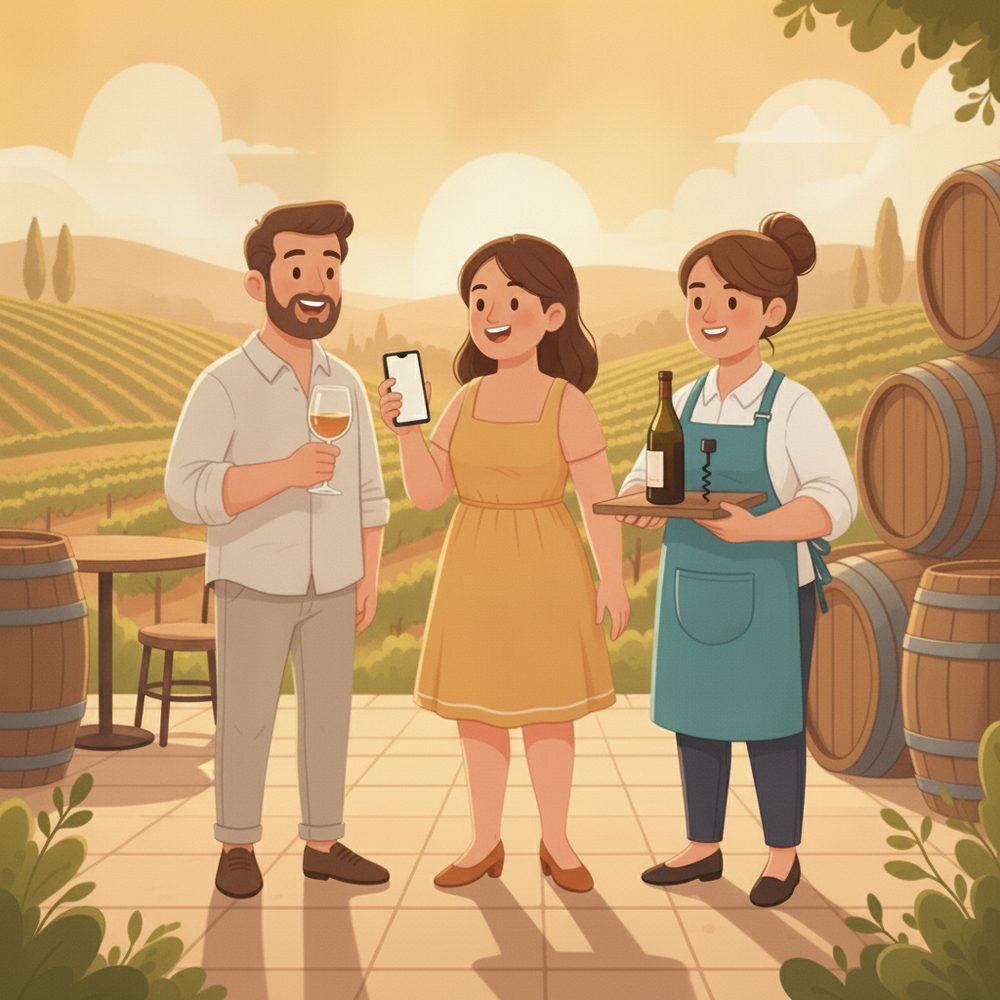
Another round — from the table
A tap asks for another flight, water, or the bill — no waving across a packed patio.
Taps “Another round” and keeps the conversation going.
The table flags on the board; a server goes only when needed.
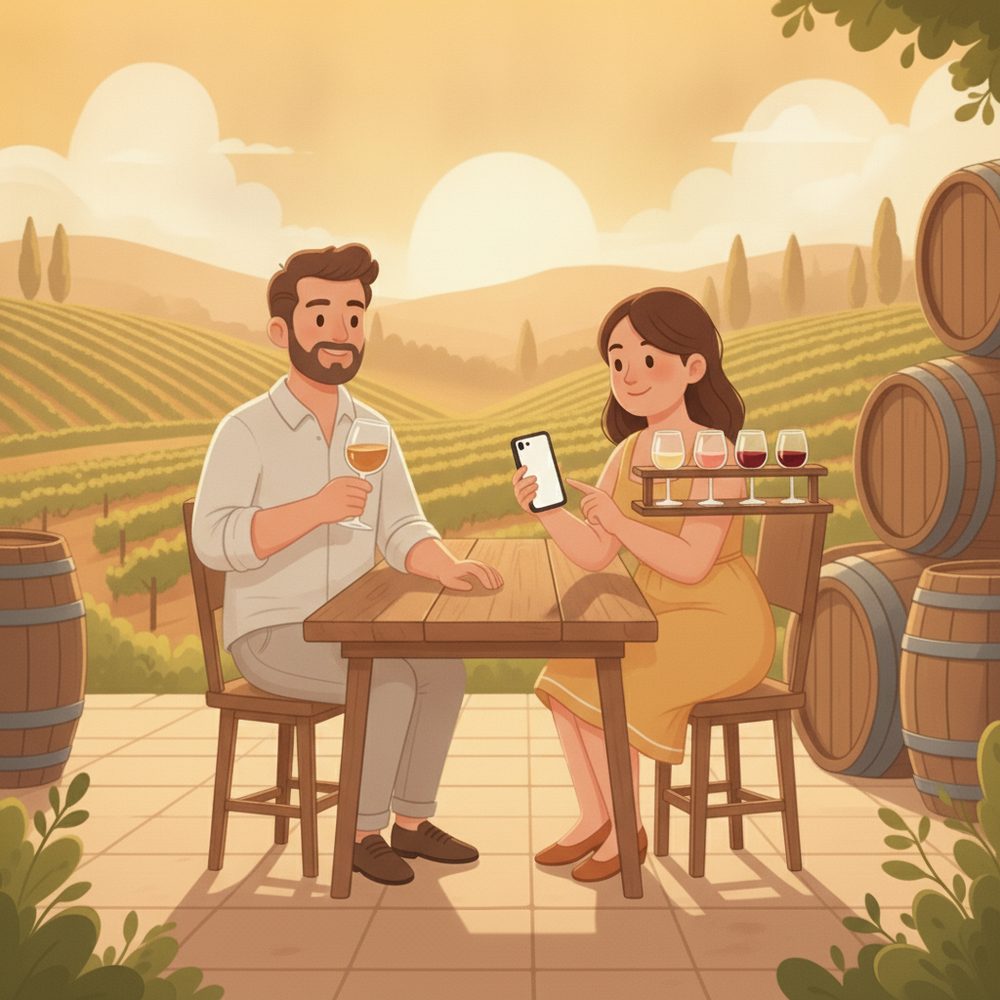
Settle up & free the table
Ask for the check when you're ready; the table opens and the next party is called.
Taps for the bill, toasts, and heads out.
Close the ticket → the next party is auto-notified.

The payoff
Why Wineries teams switch.
The crowd spreads out
Guests wander the grounds instead of bunching at the door on a busy weekend.
No long line to get in
The line lives on phones — join it, then explore until your table's ready.
Another round without the wait
A tap from the table calls for a flight or the bill — no flagging a busy server.
No app to download
Guests scan a QR and use their browser. Staff use the tablet you already have.
Wineries, breweries & taprooms
Waitlist, tastings, and table service — outdoors on a big property or in a busy taproom.
Turn tables faster
“Ask for the check” clears patio tables sooner and auto-seats the next party.
Illustrative sample figures, not guarantees. Some features (call-for-help, two-way chat) are switched on per location in settings; SiteCheckin complements your existing tools and doesn't replace them.
Questions
Wineries FAQ
Do guests need to download an app?+
No. They scan a QR code and everything runs in their phone's browser — the waitlist, their live place in line, and the table-service buttons. Nothing to install.
Does it work outdoors on a big property?+
Yes — it's all phone-based, so guests can wander the vineyard or patio and still watch their place. It works just as well in a busy indoor taproom.
Can we choose the table-service buttons?+
Yes. Offer “Another round”, “Water”, “The check” — or a single generic button. Guests pick from your list; they never free-type.
How do guests know when their table's ready?+
Their status page updates live on their phone the moment you seat them — and they can opt in for an email so they don't have to keep checking.
How do we get started?+
Try the live demo to see both sides, then set up your tasting room in about a day — print the QR, choose your buttons, and you're live.
See a full tasting-room visit, both sides, in the live demo.
Watch the waitlist, wander-anywhere status, and the call-for-another-round flow work together — then start free and print your first QR code.