Take a number from your phone.
A virtual-queue and now-serving app for service counters. Visitors take a number from their phone, wait wherever they like, and get called to the right window — so your lobby stays calm and no one clusters at the counter.
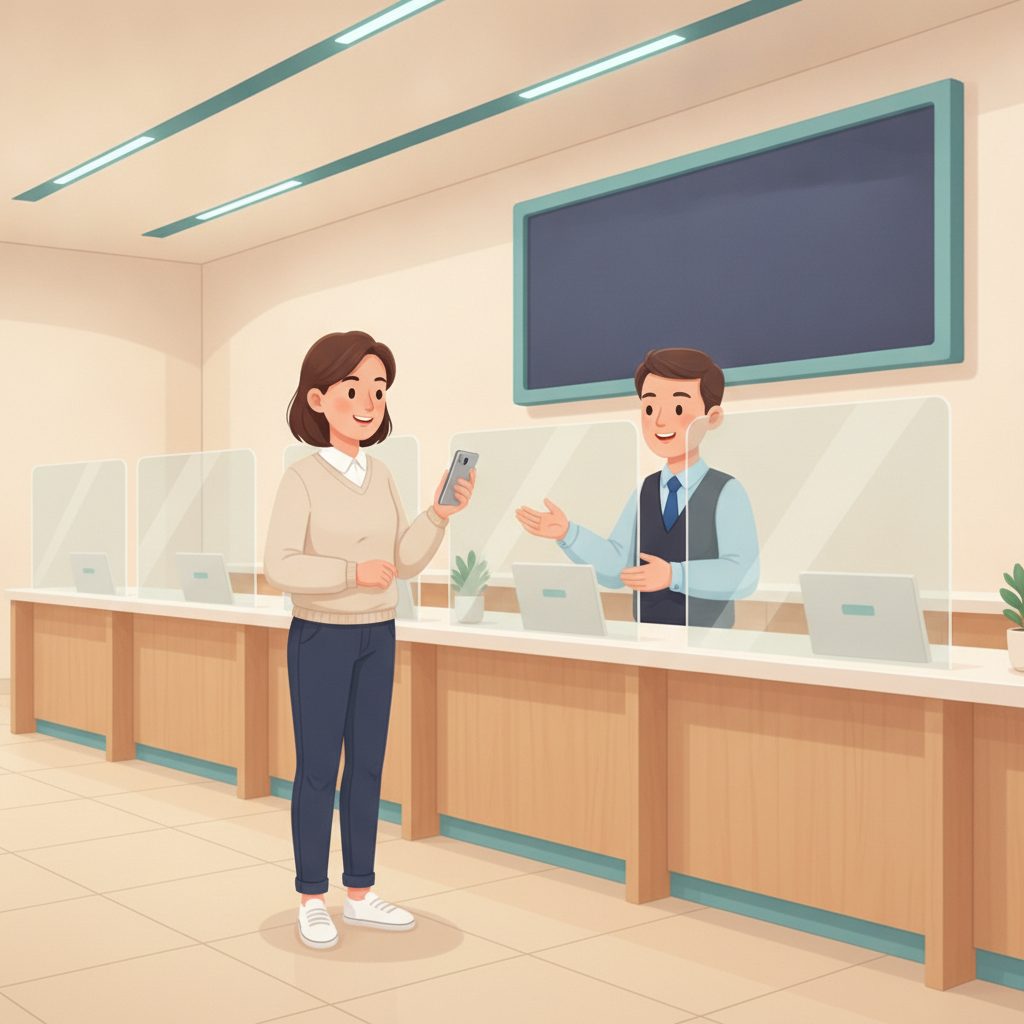
The counter bottleneck
A ticket machine, a packed lobby, and numbers shouted over it.
Visitors take a paper ticket and sit tight for an hour, unsure how close they are, while staff call numbers across a crowded room.
✕ The old way
- ✕A paper ticket machine and a full lobby
- ✕Visitors stuck waiting, unsure how close
- ✕Numbers shouted across a crowded room
- ✕No sense of the real wait
✓ With SiteCheckin
- ✓Take a number on the phone — no machine
- ✓Wait wherever, with a live place in line
- ✓A clear now-serving call to the right window
- ✓An honest, live wait estimate
How it works
One QR code. The whole visit — both sides.
A full counter visit, shown as the moment in the office plus the actual SiteCheckin screen at every step.
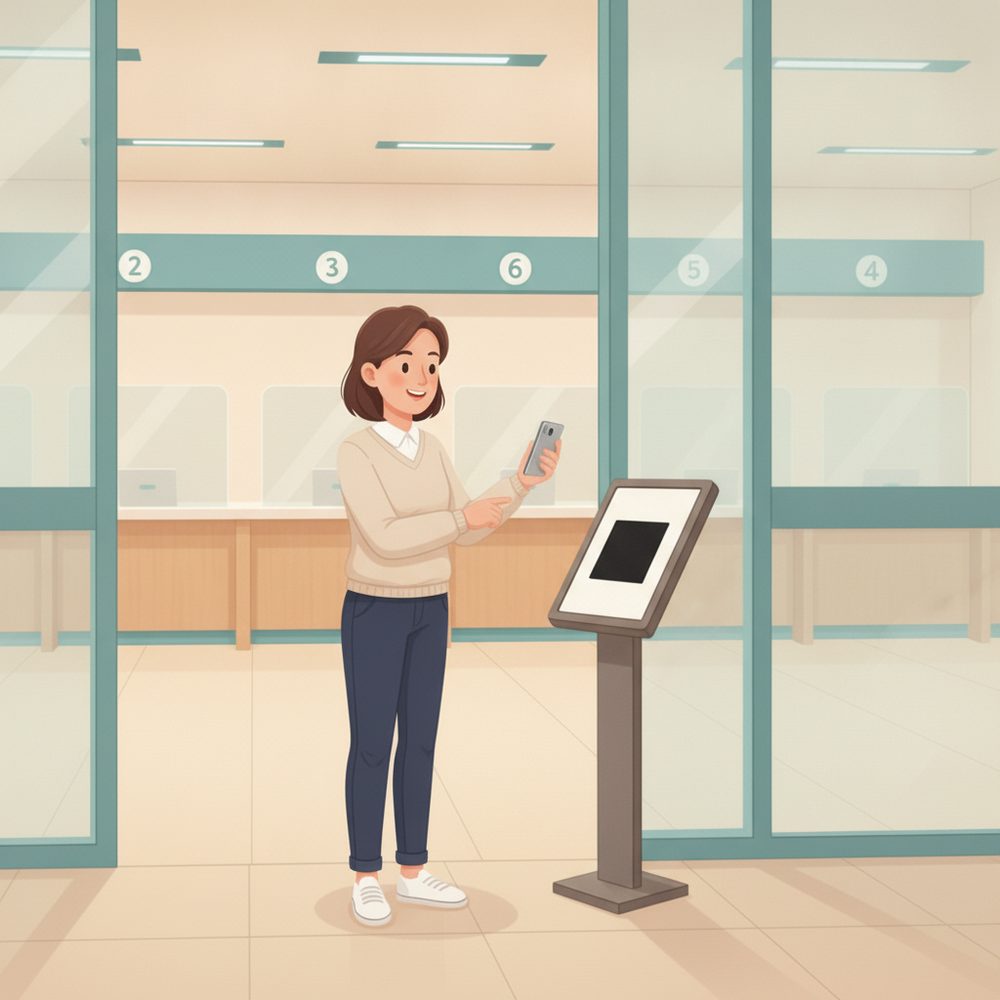
Take a number from the QR
Scan at the entrance and take your ticket — no machine, no line to get in line.
Gets a live ticket and can sit anywhere.
The visitor joins the queue with their reason for visit.
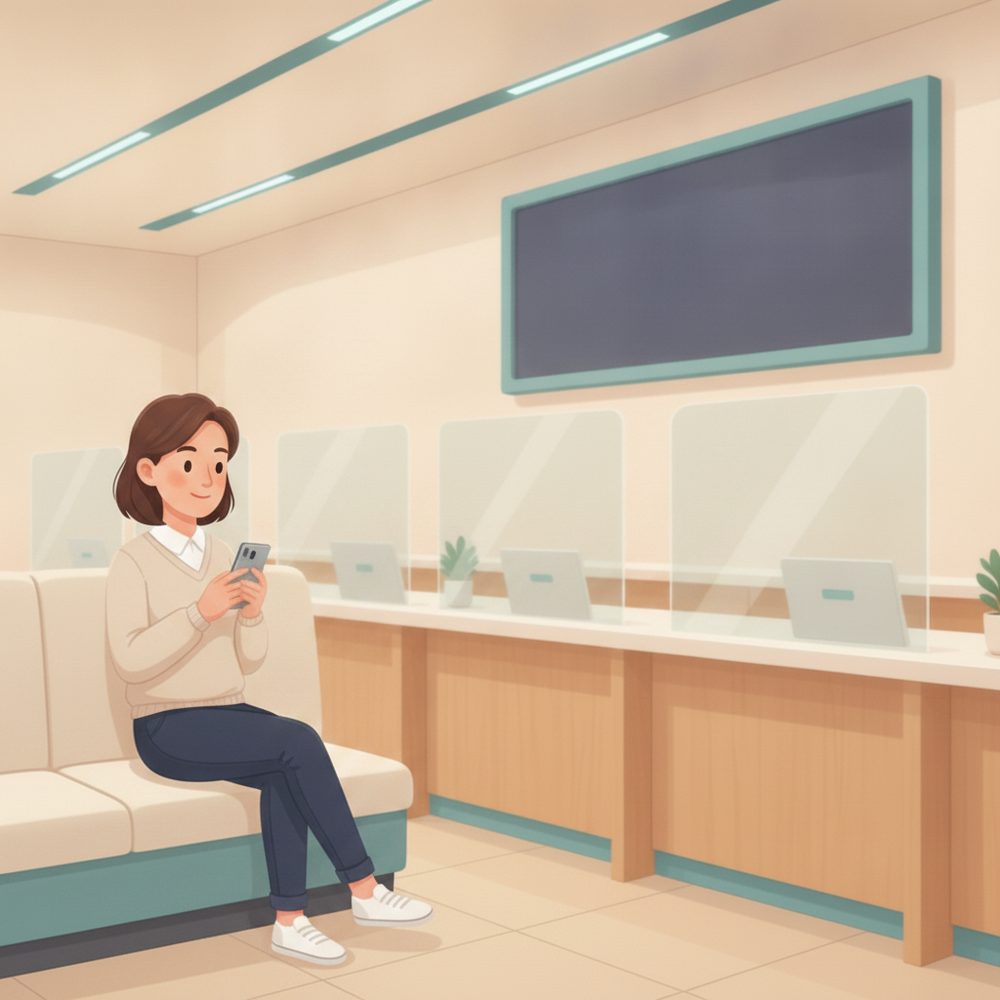
Wait wherever you like
Take a seat, step outside, or run a quick errand — your place stays live on your phone.
Sees “5 ahead · ~12 min”.
The lobby spreads out instead of clustering.
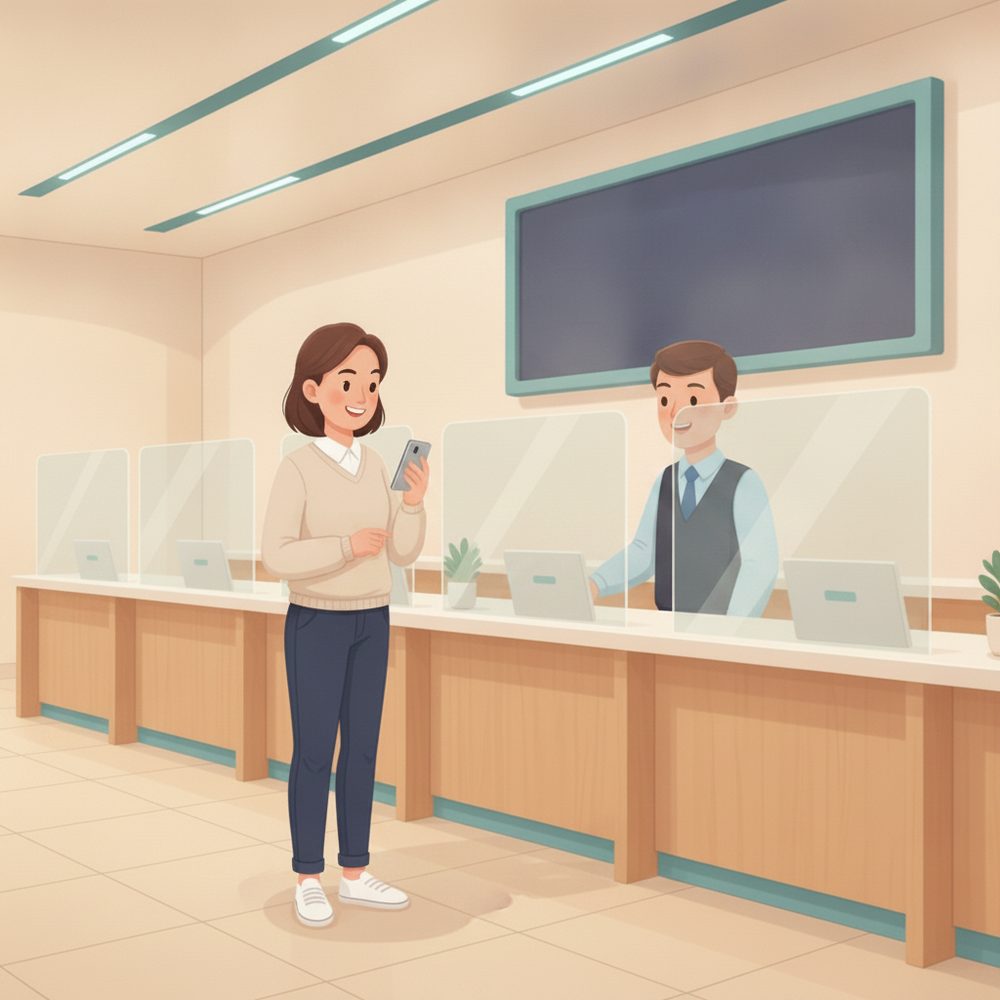
“Now serving A-42”
When it's their turn, the phone updates with the exact window to go to.
Sees the window and walks straight up.
Call next; the visitor is directed to your window.
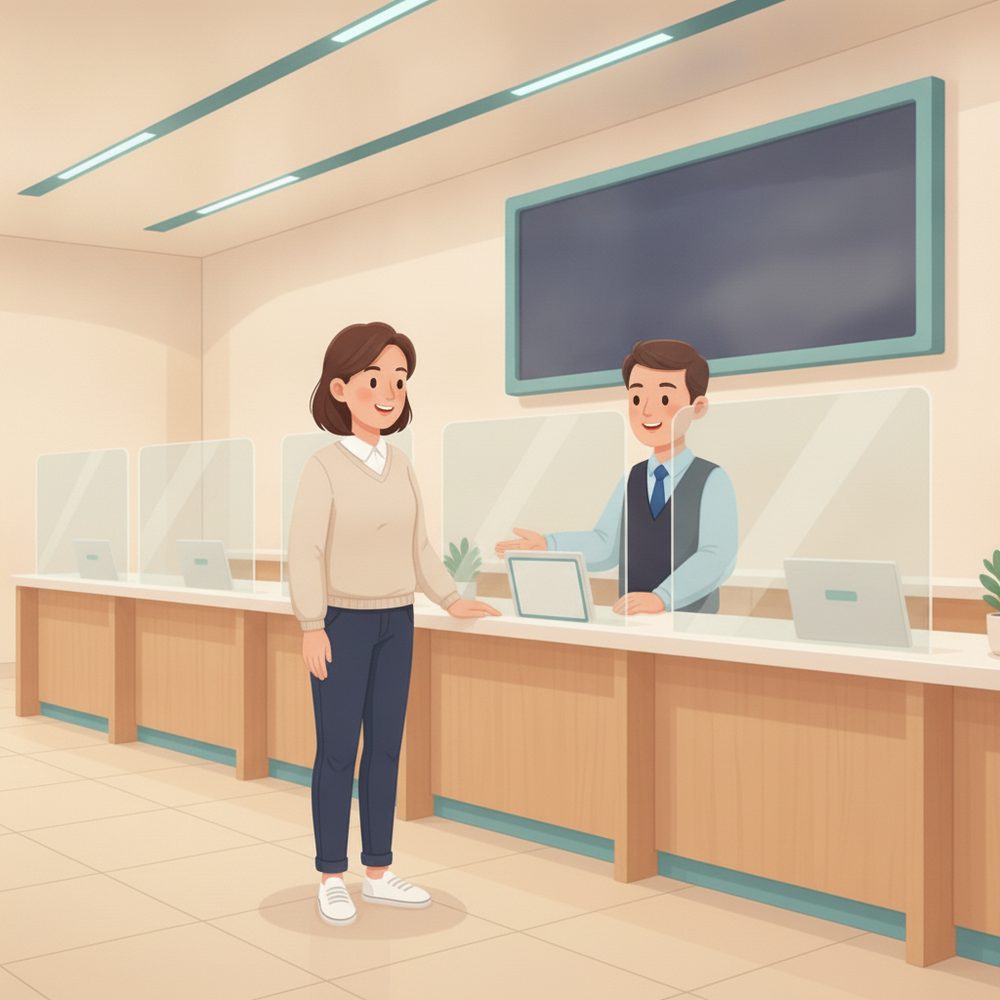
Helped at the right window
The now-serving board keeps everyone pointed to the correct window.
No guessing which window to approach.
Window assigned on the board.
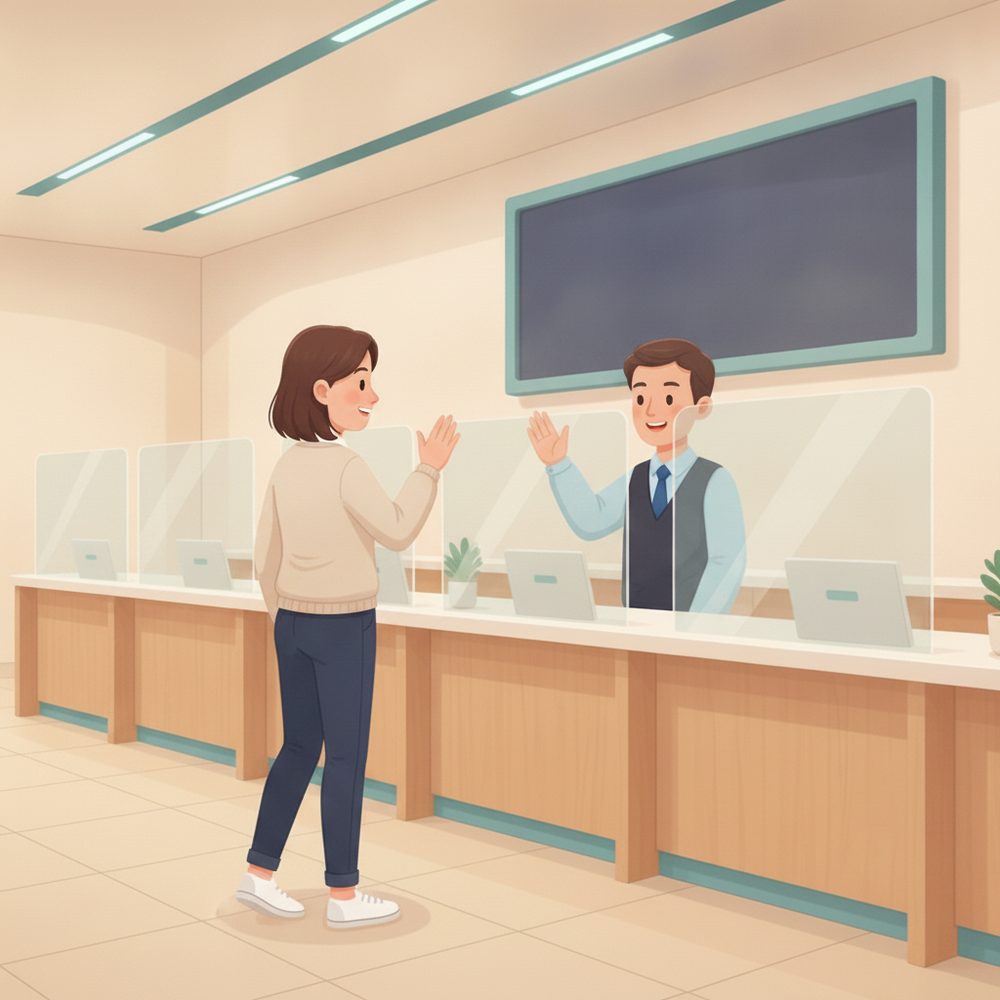
Done — next up
As each visitor is helped, the board calls the next number automatically.
Leaves without ever clustering at the counter.
Close it out → the next number is called.
The payoff
Why Service counters teams switch.
No ticket machine
Visitors take a number on their phone — no hardware to buy, jam, or refill.
Wait wherever
A live place in line means visitors can sit, step out, or run an errand.
Now-serving to the right window
Each number is called to a specific window — no crowding or guessing.
An honest wait estimate
A live position and time keep visitors patient and the lobby calm.
No app to download
Visitors scan a QR and use their browser. Staff run it from the counter.
Built for many windows
Route visitors across as many windows as you run, in fair order.
Illustrative sample figures, not guarantees. Some features (call-for-help, two-way chat) are switched on per location in settings; SiteCheckin complements your existing tools and doesn't replace them.
Questions
Service counters FAQ
Do visitors need to download an app?+
No. They scan a QR code and everything runs in their phone's browser — taking a number, watching their place, and the now-serving call. Nothing to install.
Does it work with multiple windows?+
Yes. Route visitors across as many windows as you run; each number is called to a specific window so no one clusters or guesses.
Do we still need a ticket machine?+
No — the phone is the ticket. Visitors scan a QR to take a number, which saves the hardware and the paper.
How does a visitor know it's their turn?+
Their status page updates live on their phone with the exact window to go to — and they can opt in for an email so they can step away.
How do we get started?+
Try the live demo to see both sides, then set up your office in about a day — name your windows, print the QR, and you're live.
See a full counter visit, both sides, in the live demo.
Watch take-a-number, wait-anywhere status, and the now-serving board work together — then start free and print your first QR code.