Can't find someone to help? Not here.
A request-an-associate app for shops and boutiques. Shoppers scan for help, keep browsing while they wait, and tap for another size right from the fitting room — so no sale walks out the door for lack of a hand.
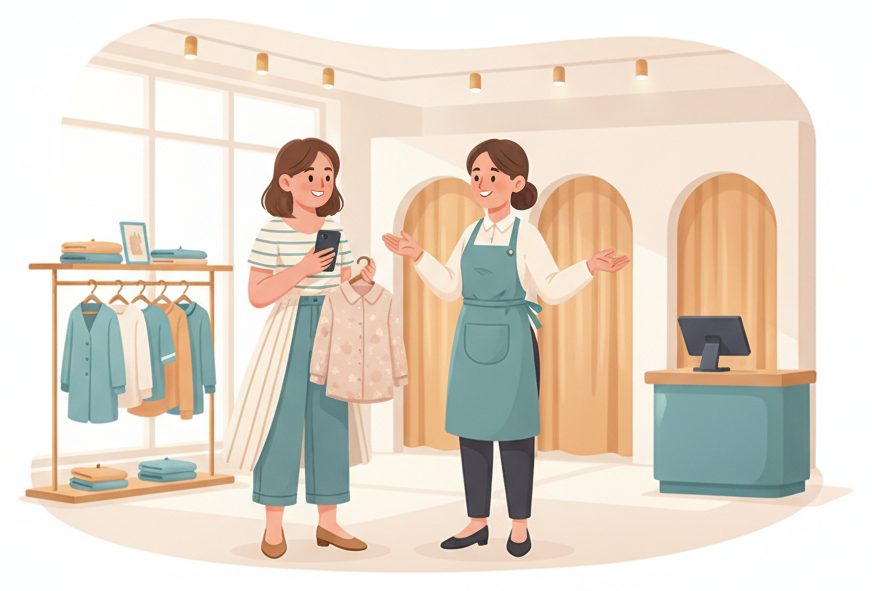
The busy-floor bottleneck
A shopper with cash in hand — and no one to help.
On a busy day shoppers can't find an associate, wait outside a fitting room for another size, and eventually put it back and leave.
✕ The old way
- ✕Wandering the floor looking for staff
- ✕Standing outside the fitting room, waiting
- ✕Whoever's loudest gets helped first
- ✕Ready-to-buy shoppers give up and walk
✓ With SiteCheckin
- ✓Tap for an associate and keep browsing
- ✓Another size or color with a tap from the room
- ✓Help in fair, first-asked order
- ✓Fewer walkaways, more closed sales
How it works
One QR code. The whole visit — both sides.
A full store visit, shown as the moment on the floor plus the actual SiteCheckin screen at every step.
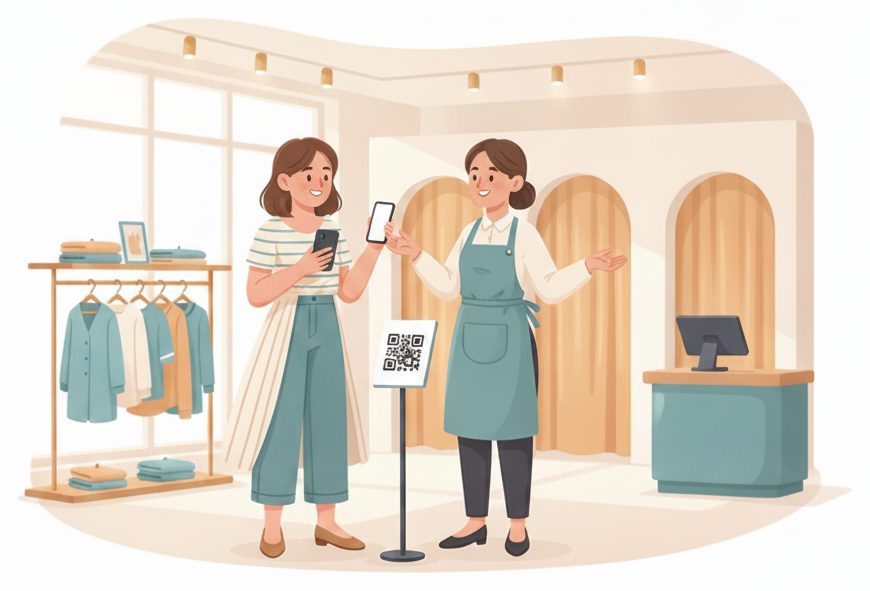
Need a hand? Scan and join
Tap for an associate instead of wandering the floor looking for one.
Requests help and keeps shopping.
The request lands on the board with the spot in the store.
Keep browsing while you wait
No standing by the register — your place is live on your phone.
Sees “#4 · ~6 min” and browses on.
Associates help in order, not by who's loudest.
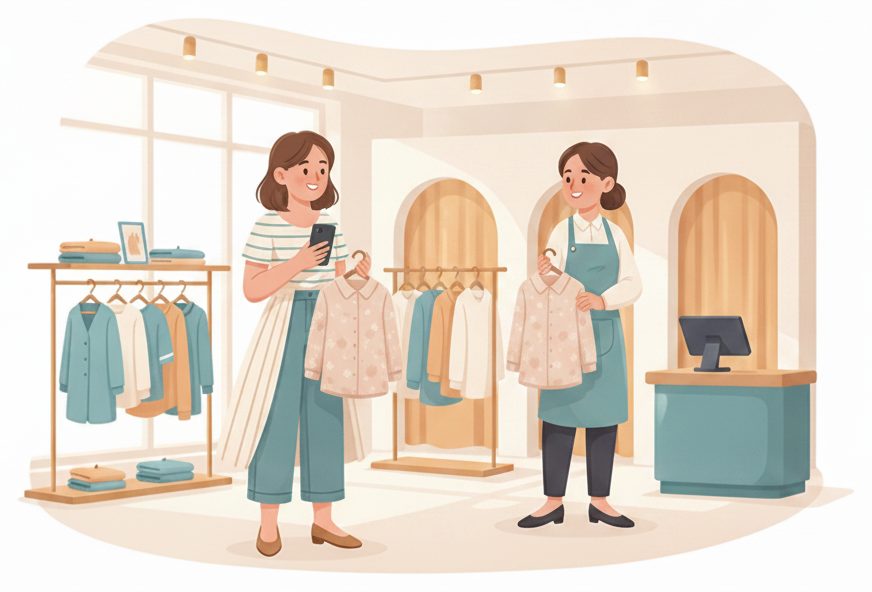
“We're ready for you”
When an associate frees up, the shopper's phone updates and they meet at the fitting room.
Sees ready and heads over.
Tap ready; the shopper is pinged.
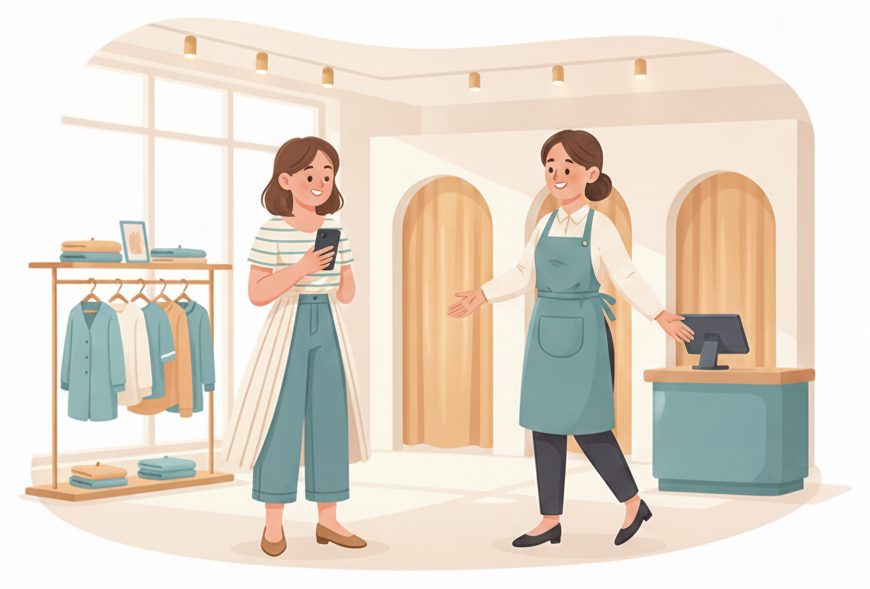
Another size — without getting dressed
From the fitting room, a tap asks for another size, color, or the register.
Taps “Another size” and stays put.
The request flags on the board — a runner brings it.
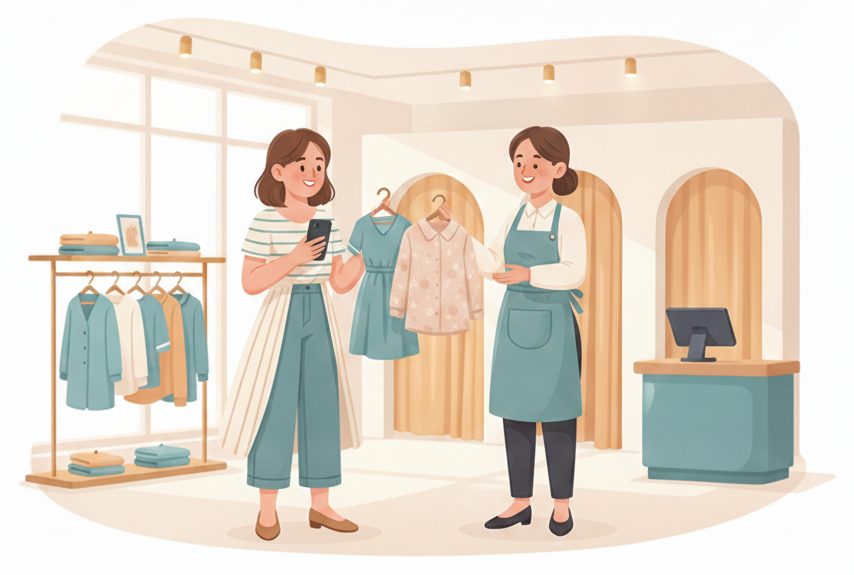
Check out & done
Ready to buy? Tap it, pay, and the next shopper is called.
Pays and heads out happy.
Close it → the next request is called.
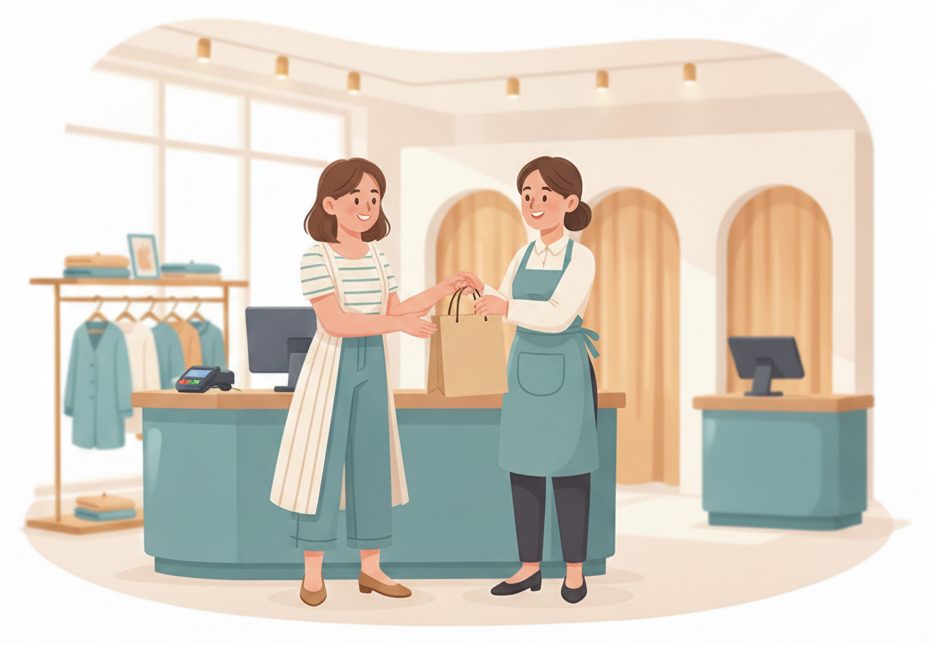
The payoff
Why Retail teams switch.
No sale walks out
A shopper who can't find help walks; a tap-for-an-associate button keeps them in the store.
Shoppers browse, not hunt
A live place on the phone means no wandering the floor looking for someone in an apron.
Another size, in seconds
From the fitting room a tap brings a new size or color — no getting dressed to go ask.
Help in fair order
Requests queue by who asked first, not by who's standing closest to the counter.
No app to download
Shoppers scan a QR and use their browser. Your team runs it from a tablet on the floor.
Fewer abandoned rooms
Quick answers from the fitting room mean more “yes, I'll take it” and fewer walkaways.
Illustrative sample figures, not guarantees. Some features (call-for-help, two-way chat) are switched on per location in settings; SiteCheckin complements your existing tools and doesn't replace them.
Questions
Retail FAQ
Do shoppers need to download an app?+
No. They scan a QR code and everything runs in their phone's browser — requesting an associate, watching their place in line, and the fitting-room buttons. Nothing to install.
Does it work in a big store with departments?+
Yes. Tag requests by area — shoes, denim, fitting rooms — so the right associate picks up the right request in the right part of the floor.
Can shoppers ask for another size from the fitting room?+
Yes — the call buttons let them tap for another size, another color, or the register, and the request flags on your board for a runner. You choose the buttons in settings.
How does a shopper know an associate is ready?+
Their status page updates live on their phone the moment you mark it ready — and they can opt in for an email so they can keep browsing without checking.
How do we get started?+
Try the live demo to see both sides, then set up your store in about a day — print the QR for the floor and fitting rooms, and you're live.
See a full store visit, both sides, in the live demo.
Watch request-an-associate, the wait-anywhere status, and the fitting-room buttons work together — then start free and print your first QR code.