A calmer waiting room, on every visit.
A contactless check-in and waiting-room status app for clinics. Patients check in from their phone, wait in the car, and get called when the room is ready — so your waiting room stays calm and less crowded.

The waiting-room bottleneck
A full lobby and a clipboard at the front desk.
Patients crowd the waiting room, front desk staff call names across the lobby, and no one's sure how long the wait really is.
✕ The old way
- ✕Paper sign-in and a line at the desk
- ✕A crowded, restless waiting room
- ✕Names called across the lobby
- ✕Patients unsure how long they'll wait
✓ With SiteCheckin
- ✓Contactless scan-to-check-in
- ✓Patients wait in the car with live status
- ✓A gentle “we're ready for you” alert
- ✓A clear view of who's waiting, in order
How it works
One QR code. The whole visit — both sides.
A full visit, shown as the moment in the clinic plus the actual SiteCheckin screen at every step.
Check in from the QR
Scan at the door and check in for your appointment — no clipboard, no line at the desk.
Confirms the visit and can wait in the car.
The patient joins the board with provider and time.
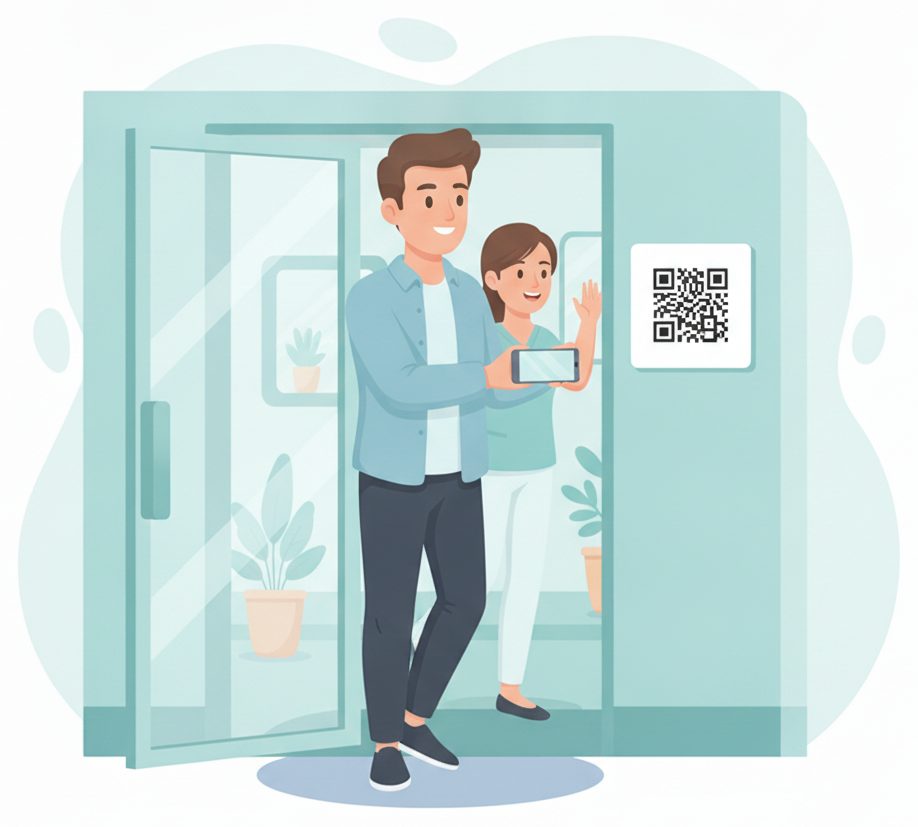
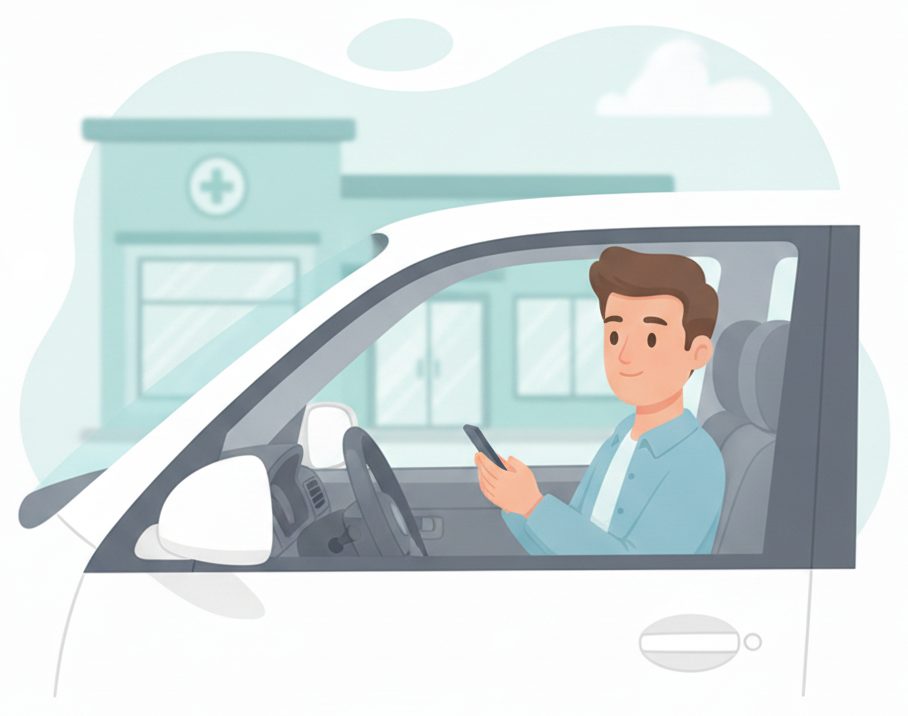
Wait wherever you're comfortable
Wait in the car or outside — the visit status stays live on the phone.
Sees “In the lobby queue · ~15 min”.
The waiting room stays calm and uncrowded.
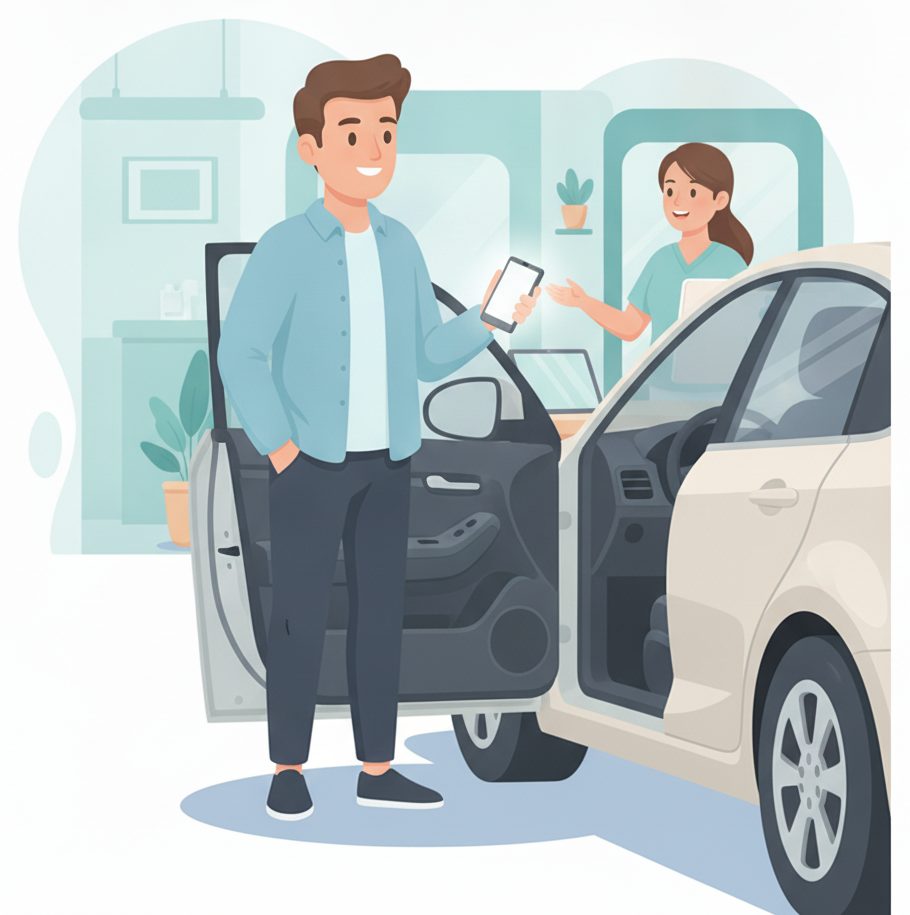
“We're ready for you”
When a room opens, the patient's phone updates — they come in right on time.
Sees ready and walks in.
Tap ready; the patient is called gently.
Roomed & seen
The board matches the patient to a room, so staff know exactly who's where.
Guided straight to the right room.
Room assigned on the board — no lost patients.

All done — on your way
After the visit, checkout is quick and the room turns over for the next patient.
Leaves with the visit wrapped up.
Close it out → the next patient is called.

The payoff
Why Clinics teams switch.
Contactless check-in
Patients scan and check in from their phone — no shared clipboard, no line at the desk.
A calmer waiting room
Patients wait in the car or outside, so the lobby stays uncrowded and quiet.
A gentle “we're ready” alert
The phone updates the moment a room opens — no names called across the lobby.
Room-matched board
Each patient shows on the board matched to a room, so staff always know who's where.
No app to download
Patients use a link in their browser. Your team runs it from the tablet at the desk.
Shorter felt wait
A live place and time make the wait feel shorter — and keep the front desk phone quiet.
Illustrative sample figures, not guarantees. Some features (call-for-help, two-way chat) are switched on per location in settings; SiteCheckin complements your existing tools and doesn't replace them.
Questions
Clinics FAQ
Do patients need to download an app?+
No. They scan a QR code and everything runs in their phone's browser — check-in, waiting-room status, and the “we're ready” alert. Nothing to install.
Is this a medical records or EHR system?+
No. SiteCheckin handles arrival check-in and the waiting-room queue only; it complements your EHR and scheduling and doesn't store clinical records. Follow your own privacy and intake policies.
Can patients wait in their car?+
Yes — that's the point. Patients check in, wait wherever they're comfortable, and get a gentle alert on their phone when a room is ready.
How does a patient know a room is ready?+
Their status page updates live on their phone the moment you mark a room ready — and they can opt in for an email so they don't keep checking.
How do we get started?+
Try the live demo to see both sides, then set up your practice in about a day — add providers and rooms, print the QR, and you're live.
See a full visit, both sides, in the live demo.
Watch contactless check-in, wait-in-car status, and the room-matched board work together — then start free and print your first QR code.