Skip the line. Keep shopping.
A take-a-number app for checkout and service counters. Shoppers grab a number from their phone, keep shopping, and walk up when a counter calls them — so the line lives on phones, not in your aisles.
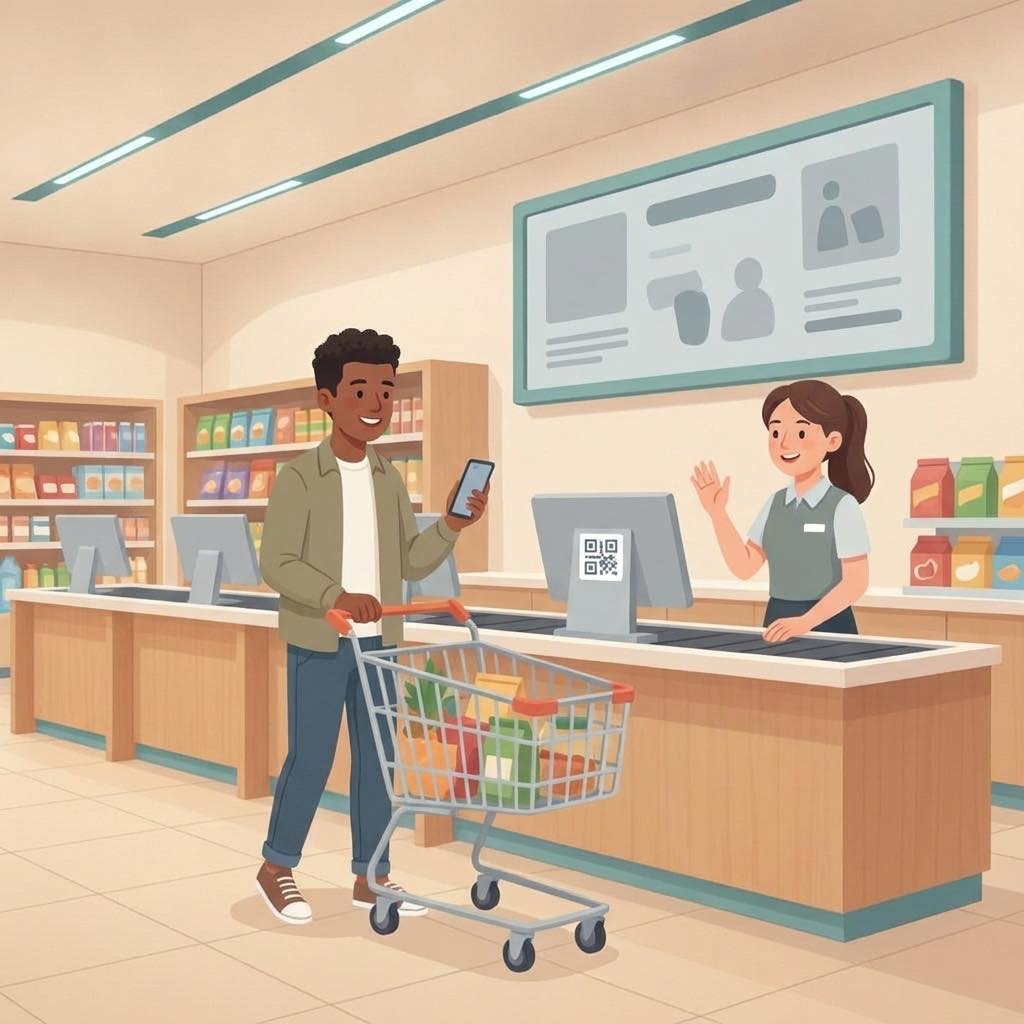
The checkout crunch
Long lines, blocked aisles, and carts left behind.
At busy times the line snakes into the aisles. Shoppers stand still with full carts, some give up, and staff can’t tell who’s next for which counter.
✕ The old way
- ✕A line that snakes into the aisles
- ✕Shoppers stuck standing with full carts
- ✕Walk-outs when the line looks too long
- ✕Guessing which counter opens next
✓ With SiteCheckin
- ✓Take a number from a QR at the entrance or the line
- ✓Keep shopping with a live place in line
- ✓Called to a specific counter when it’s their turn
- ✓Counters call the next number in one tap
How it works
One QR code. The whole visit — both sides.
A full checkout, shown as the moment in the store plus the actual SiteCheckin screen at every step.
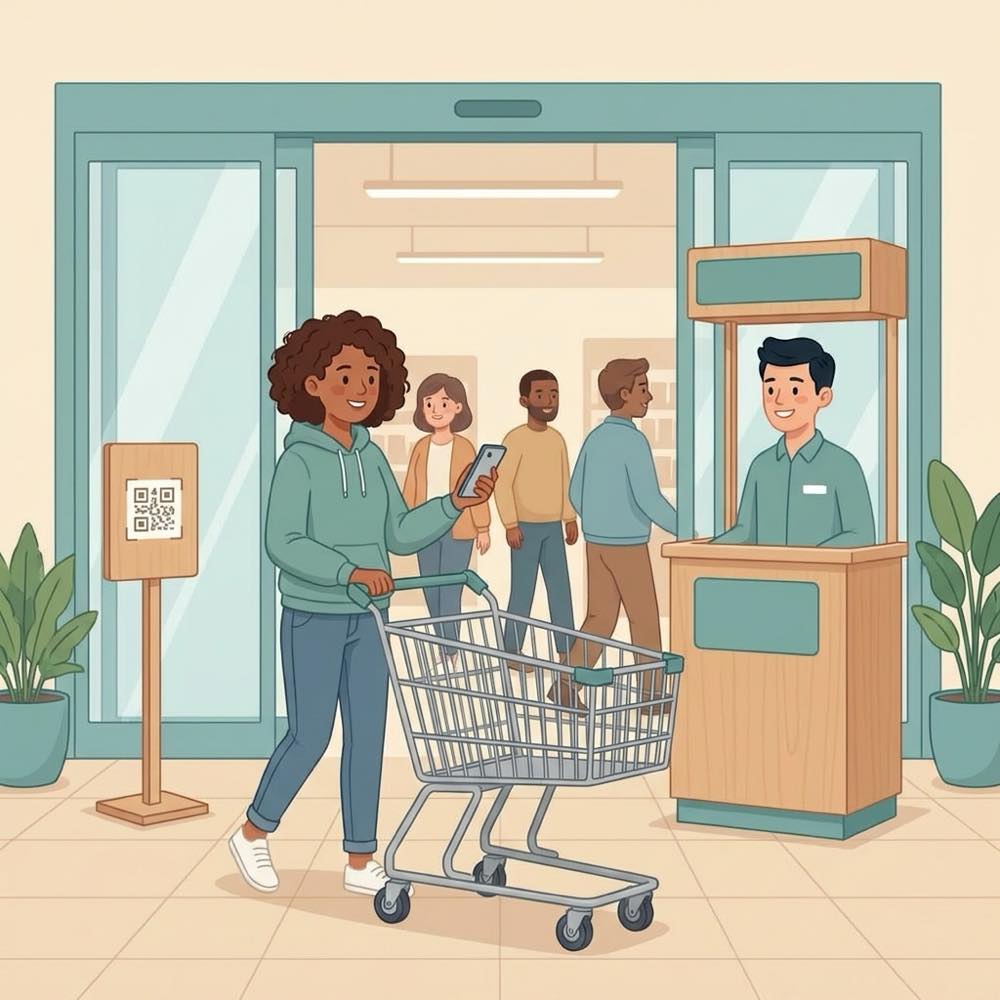
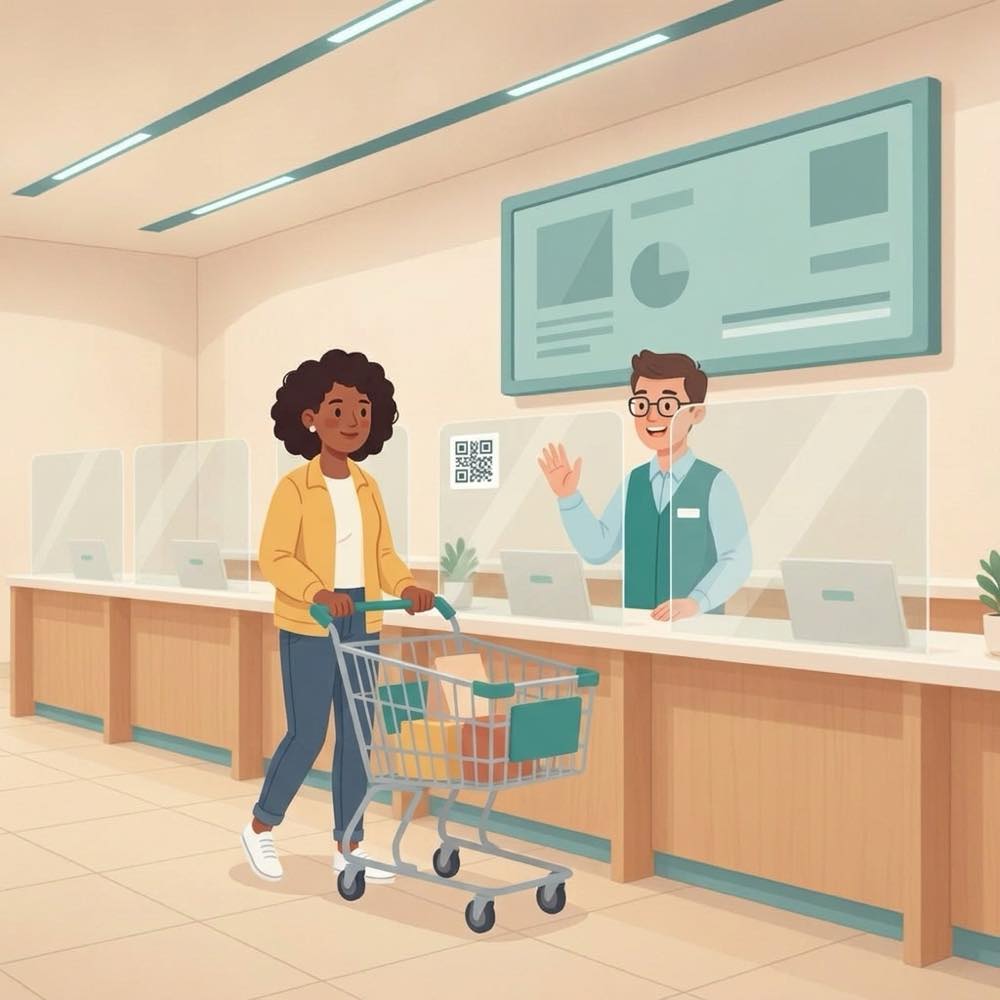
Grab a number from the QR
A sign at the entrance or the end of the line — scan it and you have a number. No machine, no app.
Gets a live number on their phone.
The shopper joins the checkout queue.
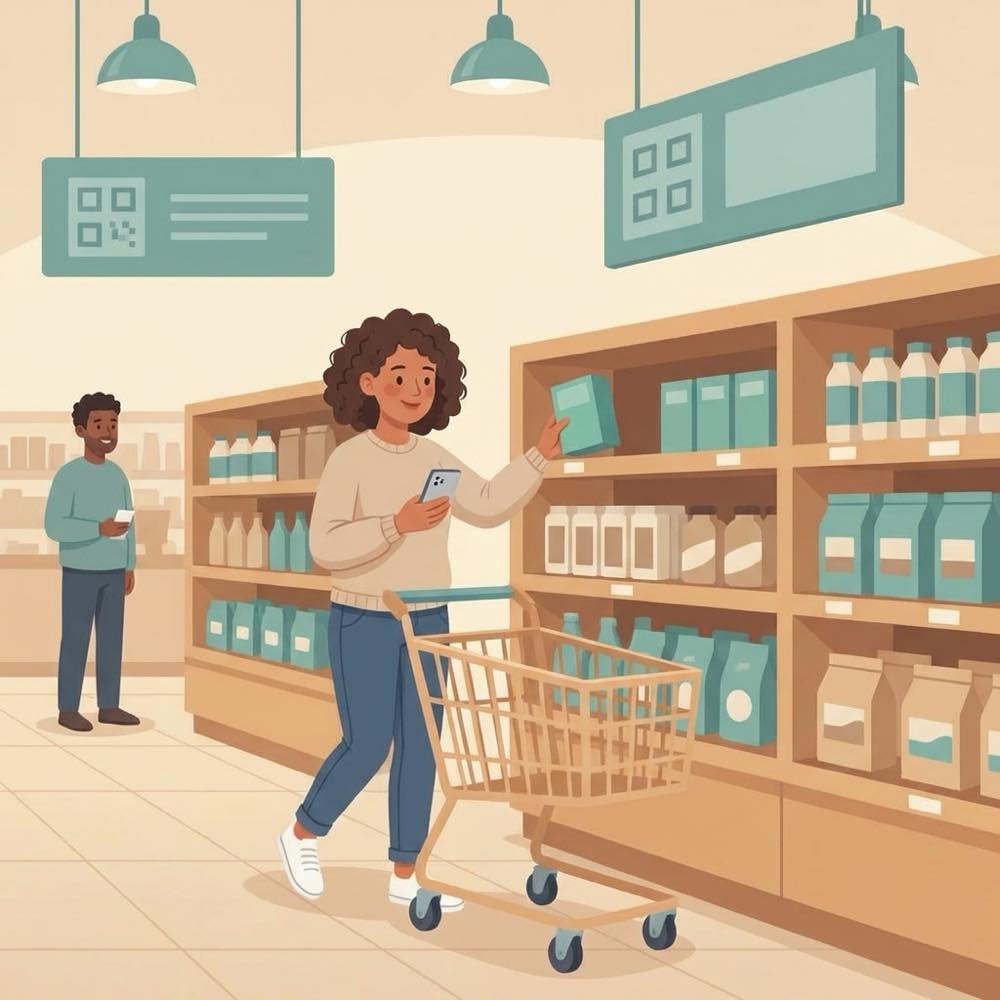
Keep shopping
The place in line stays live on the phone, so the cart keeps moving instead of standing still.
Sees “4 ahead · ~8 min”.
Aisles stay clear while the queue moves.
“Come to Counter 2”
When a counter is free, the next number is called to it — automatically or with one tap.
Their phone shows exactly which counter.
Call next (or let auto-call do it).
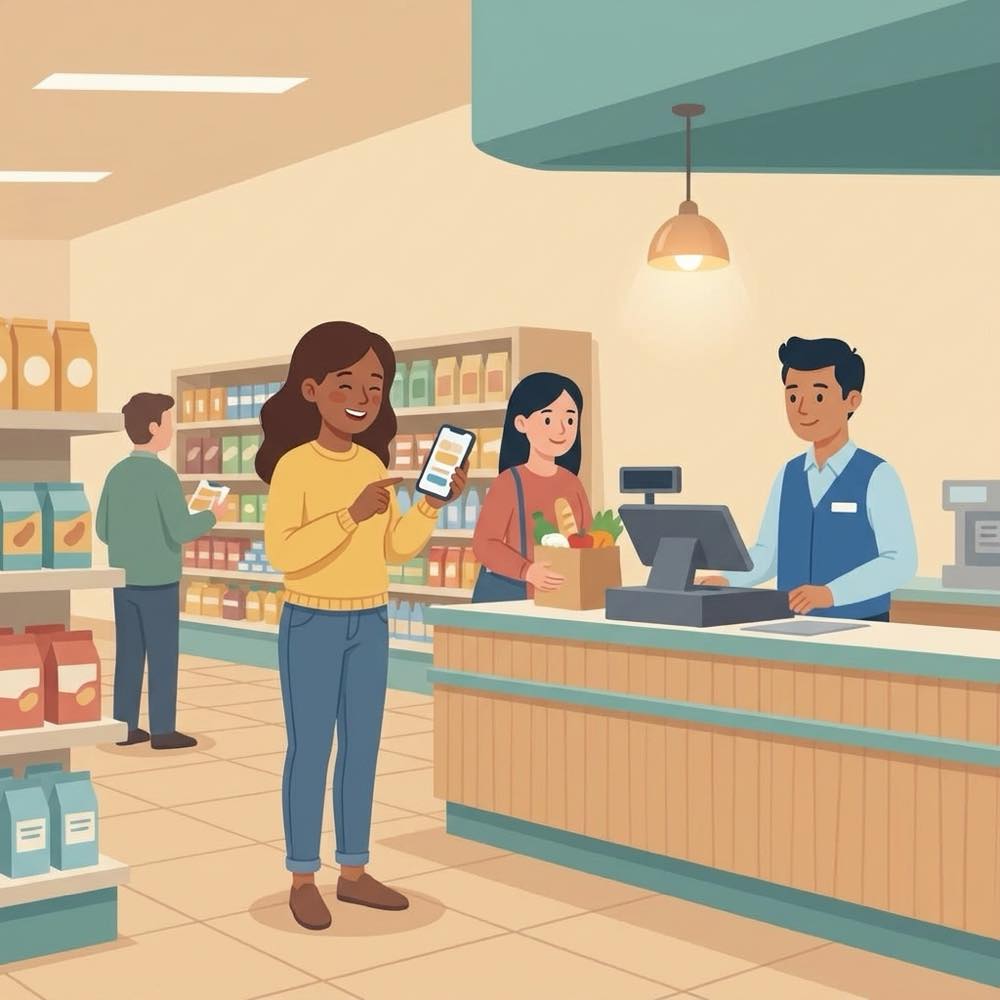
Straight to the right counter
A now-serving screen above the counters keeps everyone pointed the right way.
Walks up — no second line.
Counter 2 on the board.
Done — next number
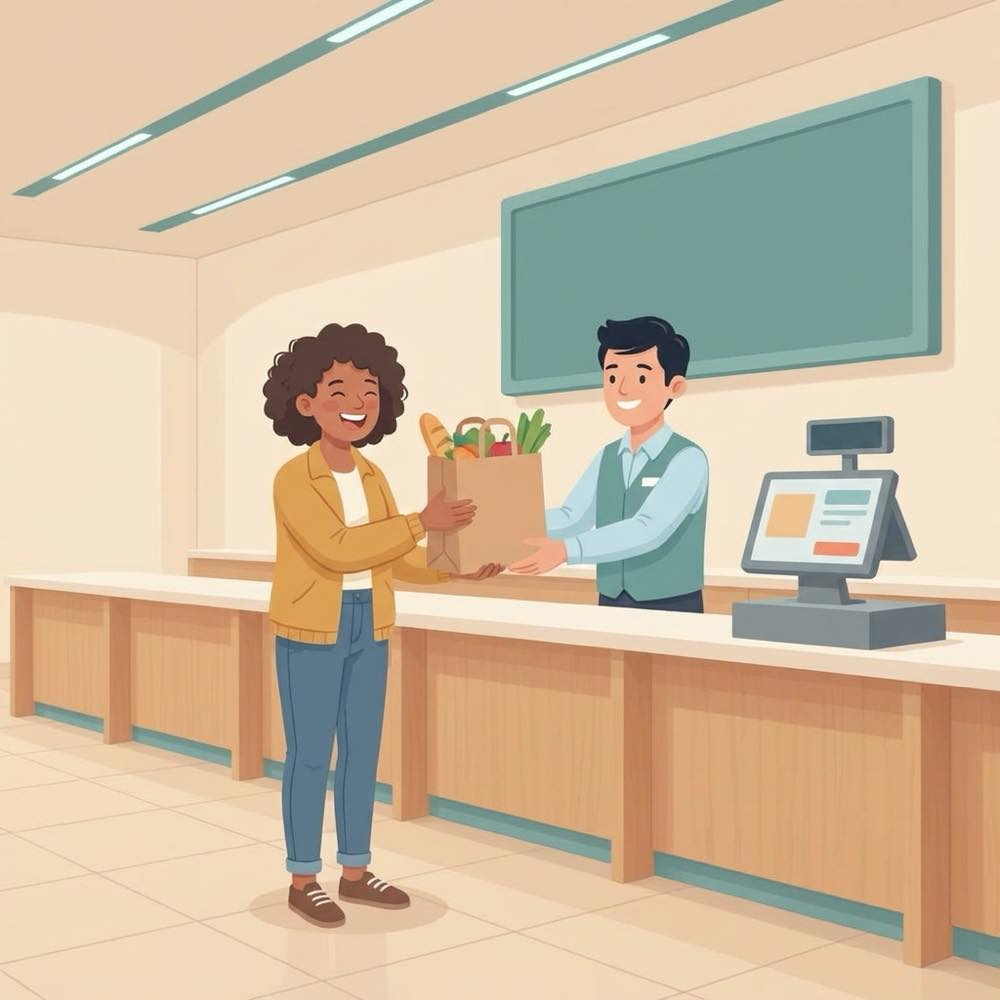
Finish the sale and the counter is ready for the next shopper.
Out the door, no standing in line.
Close it out → next number.
The payoff
Why Checkout counters teams switch.
Shoppers keep shopping
A live place in line means carts keep moving instead of standing still in a queue.
Called to the right counter
Each number is called to a specific counter, shown on the phone and the now-serving screen.
Auto-call when a counter frees
Turn on auto-call and the next number is called the moment a counter is ready.
As many counters as you run
Open and close counters through the day; the line stays fair and in order.
No app, no ticket machine
Shoppers scan a QR and use their browser. A tablet kiosk covers anyone without a phone.
A quick message if needed
Shoppers can message the store from their ticket, and staff can reply.
Illustrative sample figures, not guarantees. Some features (call-for-help, two-way chat) are switched on per location in settings; SiteCheckin complements your existing tools and doesn't replace them.
Questions
Checkout counters FAQ
Do shoppers need to download an app?+
No. They scan a QR code and everything runs in their phone’s browser — taking a number, watching their place, and the call to a counter.
What about shoppers without a phone?+
Put a tablet at the entrance as a lobby kiosk: it only hands out numbers, and the now-serving screen shows when each one is called.
Can it call the next shopper automatically?+
Yes. With auto-call on, the next number is called to a counter as soon as it’s free; staff can also call next by hand.
How does a shopper know it’s their turn?+
Their phone updates live with the counter to go to, the now-serving screen shows it too, and they can opt in for an email.
How do we get started?+
Try the live demo to see both sides, then name your counters, print the QR sign, and you’re live — usually in about a day.
See a full checkout, both sides, in the live demo.
Watch take-a-number, keep-shopping status, and the counter call work together — then start free and print your first QR sign.