Groups called calmly. No crowd at the door.
Group calling for gates, tours, shuttles and timed entry. People check in from their phone, relax, and walk up when their group is called — so the door sees a steady flow instead of a crowd.
The boarding crush
Everyone crowds the door before their group is called.
Nobody wants to miss their turn, so people stand up early and block the door. Announcements get lost in the noise and staff spend boarding sorting people out.
✕ The old way
- ✕A crowd at the door long before boarding
- ✕Announcements lost in the noise
- ✕People unsure if their group was called
- ✕Staff sorting people instead of boarding them
✓ With SiteCheckin
- ✓Check in from a QR and see your group
- ✓Relax with a live place in line on the phone
- ✓Open one group at a time; its travelers are called in order
- ✓A gate screen shows the group now boarding
How it works
One QR code. The whole visit — both sides.
A full boarding, shown as the moment at the gate plus the actual SiteCheckin screen at every step.
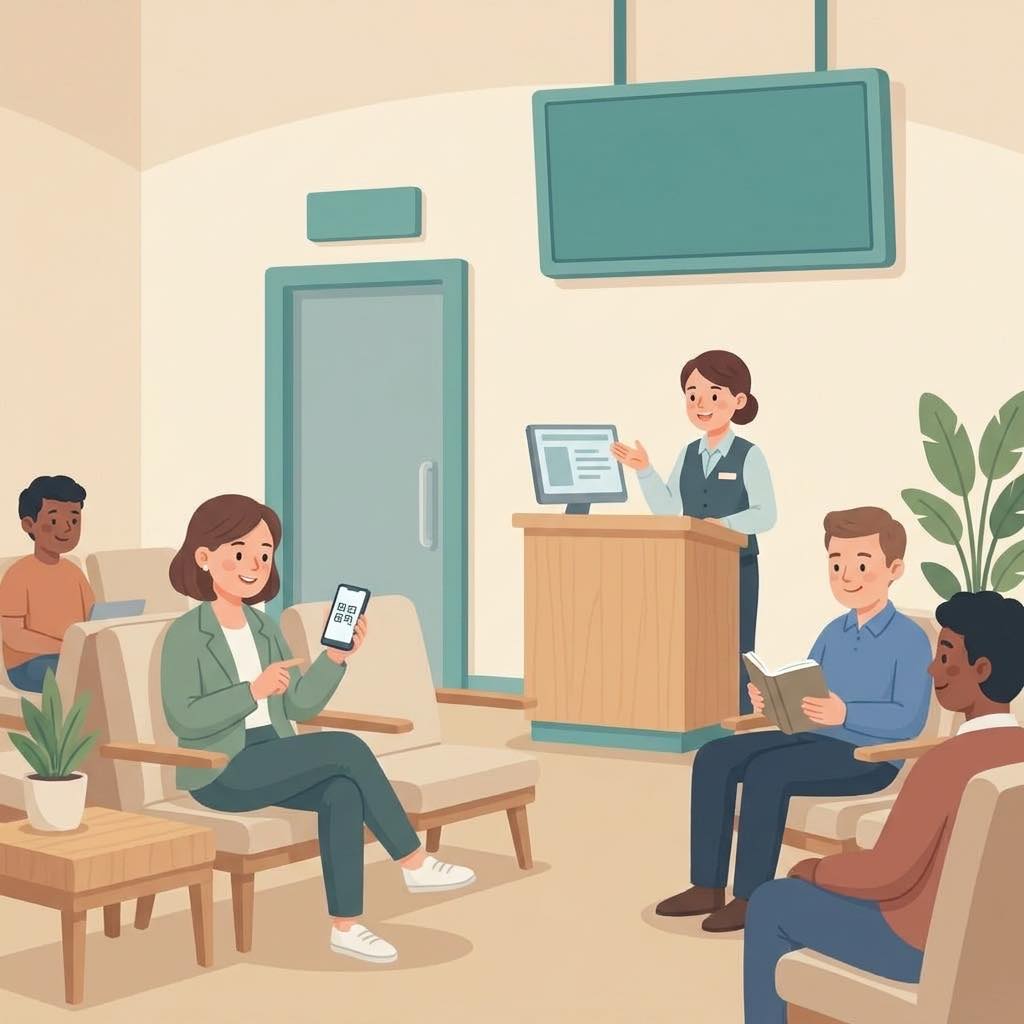
Check in from the QR
Scan the sign at the gate and pick your group. No paper, no app.
Sees their group and number.
The traveler joins their group’s line.
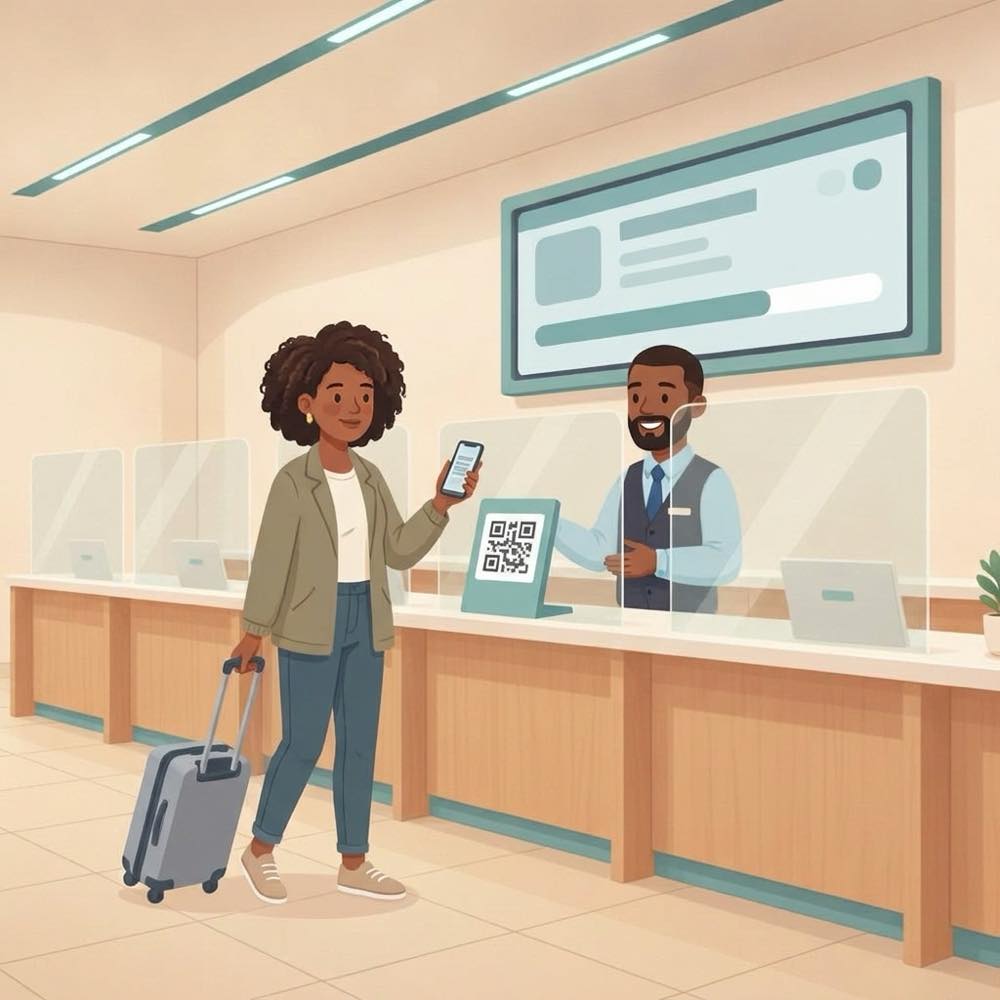
Relax until your group
Grab a coffee or sit down — the phone shows when your group is up.
Sees “Group 3 · 9 ahead”.
The door area stays clear.
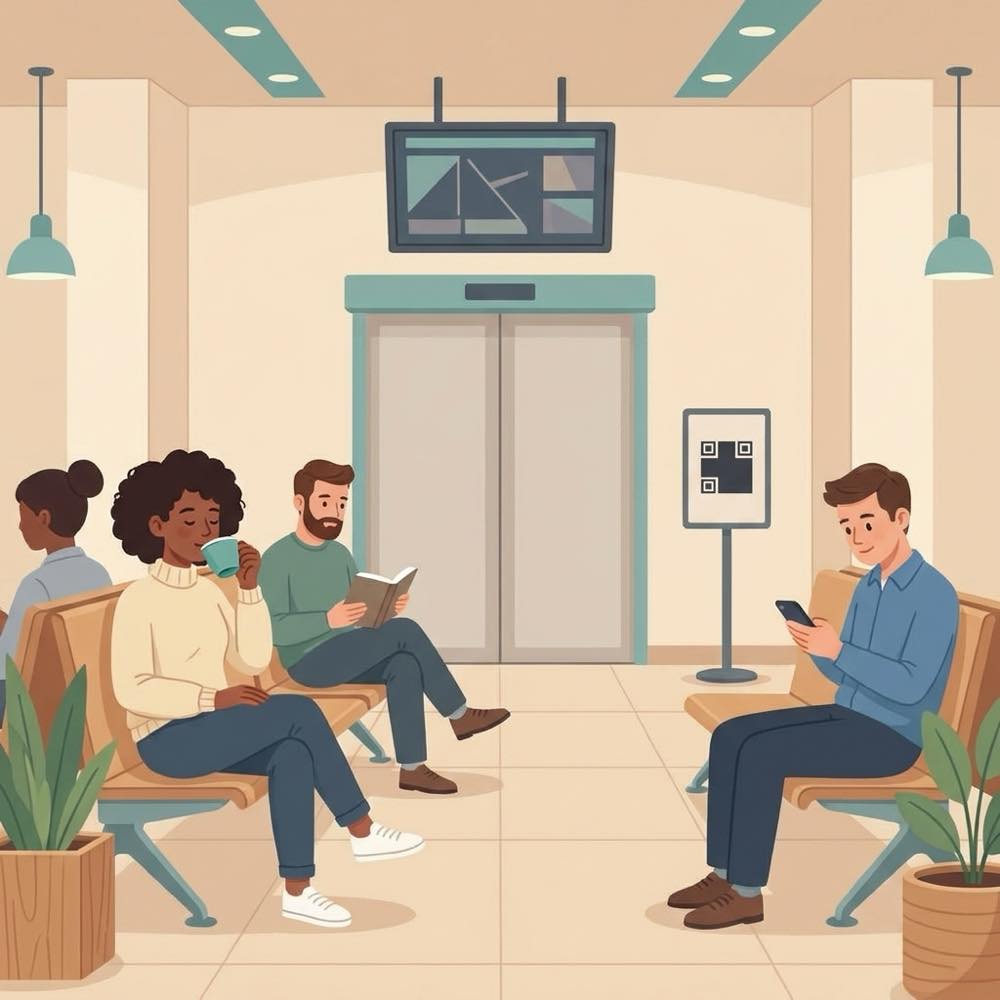
“Group 3 — please come to Door A”
Staff open the next group, and its travelers are called to the doors in order.
Their phone says it’s their turn and which door.
Open the next group in one tap.
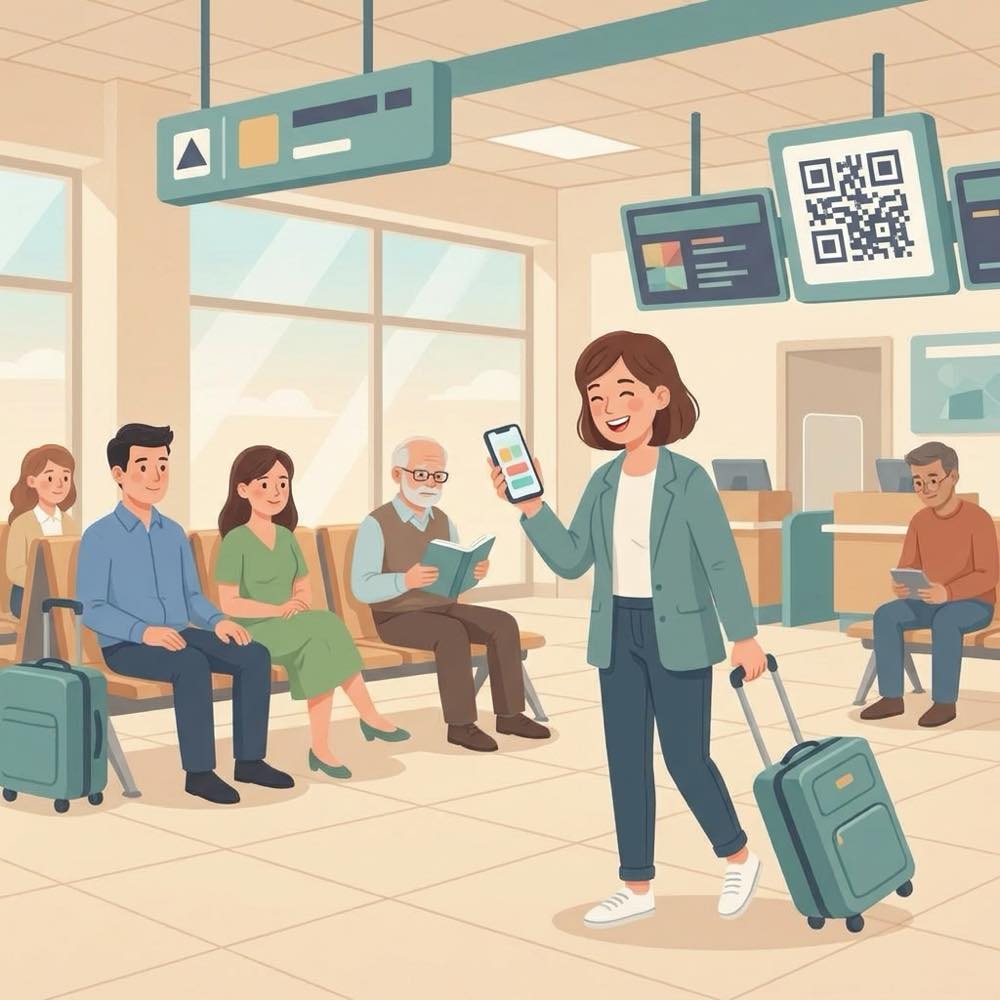
A steady flow at the door
A screen at the gate shows which group is boarding and which door to use.
Walks up when it’s their turn.
Group 3 · Door A on the board.
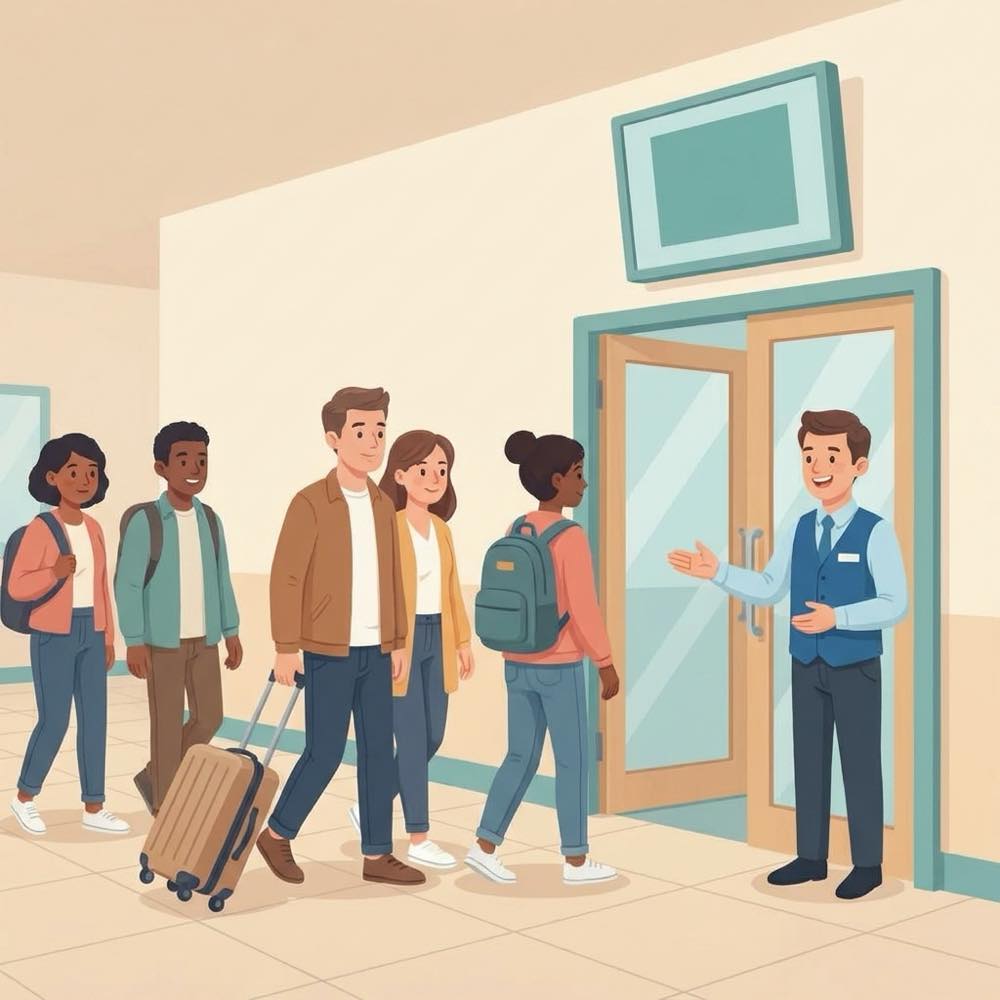
Everyone aboard
Close the last group and boarding is done — calmly.
Boarded without the crush.
Close gates when everyone is on.
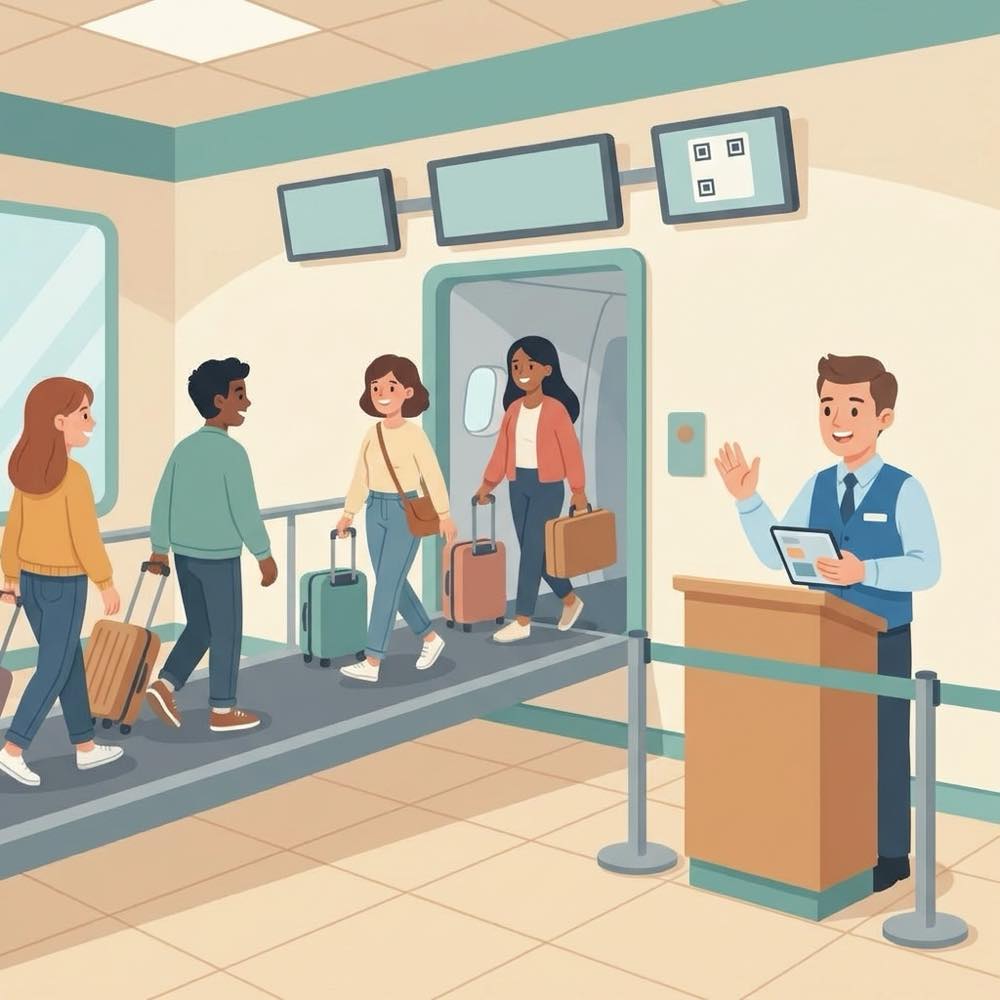
The payoff
Why Boarding & groups teams switch.
No crowd at the door
People wait where they like and walk up when their group is called.
Priority groups
Set your groups and open them in order — a late Group 1 traveler is still called before Group 2.
A live status for everyone
Each traveler sees their group and their live place in line.
Call ahead
Call the next people a little early so the door never sits empty.
No app to install
Travelers scan a QR and use their browser; a tablet kiosk covers anyone without a phone.
Questions without the crowd
Travelers can message staff from their ticket instead of lining up at the desk.
Illustrative sample figures, not guarantees. Some features (call-for-help, two-way chat) are switched on per location in settings; SiteCheckin complements your existing tools and doesn't replace them.
Questions
Boarding & groups FAQ
Is this only for airports?+
No — anywhere people board or enter in groups: tours, shuttles, ferries, attractions and timed event entry.
How do groups work?+
You set up your groups (Group 1, 2, 3…). Each traveler picks theirs when they check in, and you open one group at a time.
Do travelers need an app?+
No. They scan a QR code and everything runs in their phone’s browser.
How do people know it’s their turn?+
Their phone updates live with the door to go to when they’re called, the gate screen shows the group now boarding, and they can opt in for an email.
How do we get started?+
Try the live boarding demo, then set up your groups and doors, print the QR sign, and you’re live — usually in about a day.
See a full boarding, both sides, in the live demo.
Watch check-in, the group status, and the boarding call work together — then start free and print your first QR sign.